Why Every Government Contractor Needs a Modern, Secure Website in 2026
Federal buyers, primes, and adversaries all evaluate the same public asset first: your website. This guide covers what website security compliance actually means for a contractor, where NIST 800-171 does and does not apply, and a hardening checklist you can run this quarter.
The short answer
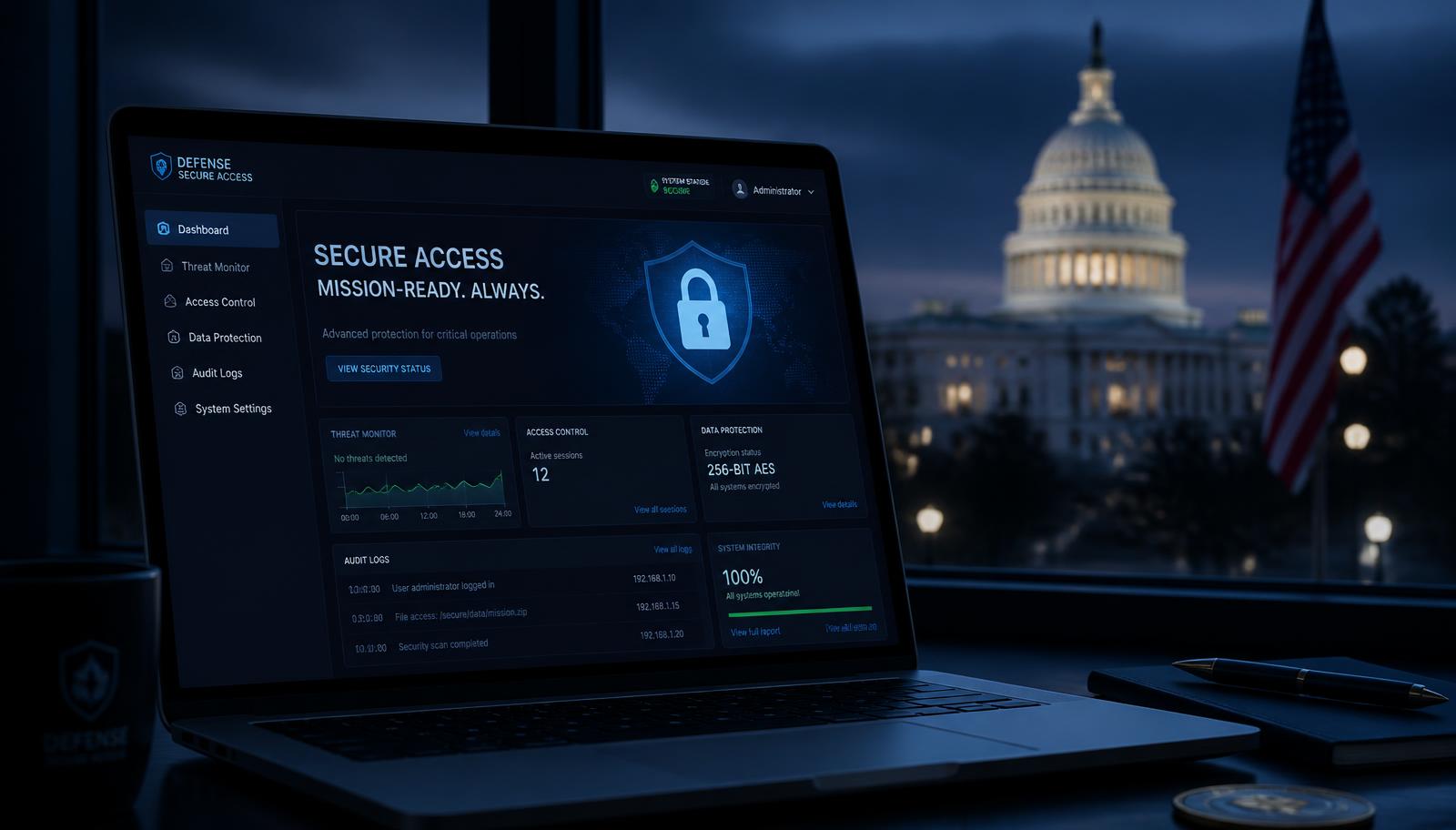
A modern, secure website matters for government contractors because it is the only part of your security program that anyone can inspect without a contract. Contracting officers, prime capture managers, and teaming partners form a judgment about your technical currency in under a minute — and they form it from a page that you control completely. An outdated site with an expired certificate, an exposed /wp-admin, and a 2016 layout contradicts every sentence in your capability statement about protecting government data.
The good news: unlike a compliance program, this is a bounded problem. Most contractor sites can be modernized and hardened in one to two weeks, and the resulting posture is simple enough to describe in a single paragraph of a proposal.
Your website is a security artifact
Three audiences read your site as evidence, whether or not you intend it that way.
- Contracting officers and market researchers, who check technical currency before sources sought and RFI responses — long before an RFP drops.
- Prime capture and partner managers, who compare five potential subs in ten minutes and quietly drop the one whose site throws a certificate warning.
- Adversaries and opportunistic scanners, who treat contractor marketing sites as low-effort footholds for credential harvesting, watering-hole attacks, and convincing spearphishing against your staff and your customers.
The third audience is the reason a marketing site compromise is not a marketing problem. A defaced or malware-serving domain that shares a name with your CAGE record is a conversation with your customer, your prime, and possibly your insurer. Even without CUI on the box, brand and email-domain trust are real assets.
What is actually in scope (and what is not)
Precision matters here, because overclaiming is its own risk. A public marketing website with no Controlled Unclassified Information is normally outside the boundary that NIST SP 800-171 and the DFARS 252.204-7012 safeguarding clause govern. Those apply to covered contractor information systems that store, process, or transmit CUI.
The failure mode is scope creep. These features pull a brochure site toward scope:
- File-upload portals for client documents, drawings, or deliverables.
- Client or partner login areas backed by the same hosting account.
- Resume and clearance-status intake forms collecting personal data.
- Contact forms that email unencrypted details about a specific procurement or program.
- Chatbots or AI assistants trained on internal documents.
The cleanest architecture keeps every one of those out of the marketing site. Deliverable exchange belongs in a purpose-built enclave you can describe and audit. The public site stays a static, read-only asset — which also happens to be the fastest and cheapest thing to secure.
The 10-point hardening checklist
Run this against your current domain. Anything you cannot verify in ten minutes is a finding.
- 1. HTTPS everywhere with an auto-renewing certificate, and a permanent redirect from http:// and the non-canonical www/apex variant.
- 2. HSTS enabled, so a downgrade attack cannot silently serve plaintext.
- 3. Security headers set: Content-Security-Policy, X-Content-Type-Options, Referrer-Policy, X-Frame-Options or frame-ancestors, and Permissions-Policy.
- 4. No public admin surface. Statically rendered pages with no login form on the production domain remove the most-attacked endpoint entirely.
- 5. MFA on the CMS, hosting console, DNS registrar, and email tenant — registrar takeover is the highest-impact, lowest-effort attack against a small contractor.
- 6. Dependency and plugin discipline: minimal plugins, a patch cadence, and automated alerts for known vulnerabilities.
- 7. CDN and WAF in front of origin, with rate limiting on any form endpoint.
- 8. Email authentication: SPF, DKIM, and an enforcing DMARC policy so your domain cannot be spoofed at a contracting officer.
- 9. Nothing sensitive in the repository or the bundle — no API keys, no internal hostnames, no staging URLs left crawlable.
- 10. A published vulnerability-reporting path (a security contact page or security.txt) so a researcher tells you before someone else finds it.
None of these are exotic. Their absence is what makes an evaluator wonder what else is missing.
Accessibility and security travel together
Section 508 governs the information and communication technology an agency buys or uses, not your brochure site. But federal buyers read your own property as a demonstration of how you build. If you sell digital, IT, or engineering services and your site fails WCAG 2.2 AA on contrast, keyboard navigation, and form labels, the inference is not flattering.
There is also a practical correlation: the neglect that leaves alt text missing and focus states invisible is usually the same neglect that leaves a CMS three major versions behind. Fixing both in one rebuild is cheaper than fixing either twice. See our federal-ready website standards for NAICS 541512 firms for the build-side specifics.
Signaling security without overclaiming
The goal is credible, verifiable language. Never imply a certification you do not hold, never suggest endorsement by an agency, and never describe a control you cannot evidence in a questionnaire.
Language that works:
- "Our public site stores no CUI. Client deliverables are exchanged only through our access-controlled enclave."
- "Our development practices are aligned with NIST SP 800-171 control families relevant to our systems."
- "We operate a documented patch cadence and MFA across production systems and DNS."
- "We accept vulnerability reports at security@yourdomain and acknowledge within two business days."
Language that creates risk: anything asserting certification, accreditation, ATO, or agency approval you have not been granted.
What to build, page by page
- Home: one-sentence positioning naming your customers, agencies, and differentiators — not a stock photo carousel.
- Capabilities: one page per core capability, with the NAICS codes and PSC codes buyers actually search.
- Security & compliance: your posture, your boundary, your reporting path. This page does disproportionate work in teaming conversations.
- Contract vehicles: GSA Schedule, GWACs, BPAs, IDIQs, with contract numbers.
- Company data: UEI, CAGE code, socioeconomic status, DUNS-era legacy identifiers, and points of contact — in crawlable HTML, not only a PDF.
- Past performance: agency, scope, and period of performance at whatever level of detail you are cleared to publish.
- Contact: a direct path for contracting officers with a named human and a phone number.
Publishing your capability statement as HTML rather than a PDF alone matters more each year: AI answer engines and search crawlers parse pages far more reliably than scanned documents, and that is increasingly how buyers shortlist. Our 2026 guide to government contractor website design covers the visibility side in depth.
30-day modernization plan
- Days 1–3: Inventory. Certificate expiry, DNS records, hosting owner, CMS version, plugin list, every form endpoint, and every subdomain including forgotten staging environments.
- Days 4–7: Stop the bleeding. Renew and automate TLS, enforce MFA on registrar and hosting, take down orphaned subdomains, and set SPF/DKIM/DMARC.
- Days 8–14: Rebuild. Statically render the marketing site, remove the public admin surface, set security headers, put a CDN and WAF in front, and route forms through a rate-limited endpoint.
- Days 15–21: Content. Capability pages, security and compliance page, company data in HTML, past performance, and contracting-officer contact path.
- Days 22–30: Verify. Run an accessibility pass to WCAG 2.2 AA, check Core Web Vitals, confirm schema markup renders, submit the sitemap, and publish security.txt.
If you would rather not run this internally, we do it as a fixed-scope sprint — federal-ready sites typically ship in one to two weeks, starting at $12,000. You can also start with a free Federal Website Readiness Audit, which returns findings against this exact checklist.
FAQs
Why does website security matter for government contractors?
Your public website is the first system a contracting officer, prime, or adversary can inspect. Expired certificates, exposed admin panels, and unpatched CMS plugins undercut the security story in your capability statement — and a defaced or breached marketing site becomes a past-performance conversation you do not want to have.
Does NIST 800-171 apply to a public marketing website?
Generally no. NIST 800-171 governs systems that store, process, or transmit Controlled Unclassified Information. A brochure site with no CUI is usually out of scope. The risk is scope creep: contact forms, file-upload portals, resume intake, and client login areas can pull the site toward CUI or covered contractor information system territory. Keep CUI off the marketing site entirely.
What are the basic website security requirements a federal buyer expects?
HTTPS everywhere with a valid, auto-renewing certificate; HSTS; a Content Security Policy; no exposed admin or staging environments; patched dependencies; MFA on the CMS and DNS registrar; a documented vulnerability-reporting path; and a hosting posture you can describe in one paragraph.
Does a government contractor website need to be Section 508 accessible?
Section 508 governs ICT the agency buys or uses, not your marketing brochure. But buyers read your own site as a demonstration. If you sell digital or IT services and your site fails WCAG 2.2 AA, evaluators notice — and accessibility defects often correlate with the same neglect that produces security defects.
Should government contractors use WordPress?
You can, but plugin-heavy WordPress is the single most common source of GovCon site compromises. If you keep it, minimize plugins, enforce MFA, patch on a schedule, and put a WAF in front. A statically rendered site with no public admin surface removes most of the attack surface outright.
How fast can a contractor modernize and harden an outdated site?
A focused rebuild of a small marketing site typically ships in 1–2 weeks: migrate content, statically render, move DNS behind a CDN with TLS and WAF, remove legacy forms, and add compliance and capability pages. Govora Digital runs this as a fixed-scope sprint starting at $12,000.
Related guides
- MarketingGovernment Contractor Marketing in 2026: 14 Benefits of a Modern WebsiteWhy a modern website is the highest-leverage government contractor marketing asset — 14 benefits, buyer research behavior, SEO/GEO, and a 30-day checklist.Read the guide
- WebsitesGovernment Contractor Website Design: 12 Benefits in 2026Why a modern website wins more federal work in 2026 — credibility, teaming, SEO, AI search, and compliance signaling.Read the guide
- NAICSNAICS 541511 Marketing GuideHow custom computer programming firms win federal work — positioning, keywords, and pipeline plays for 541511.Read the guide
Let's ship your federal-ready site in 1–2 weeks.
Govora Digital builds federal-ready websites, branding, SEO/GEO and AI systems for government contractors. See selected engagements or request the free Federal Website Readiness Audit.